On this page (5)
You probably added a chat bubble to your store because shoppers kept emailing questions you could have answered in ten seconds. Then the bubble filled up with the same five messages: where is my order, can I change my address, how do I return this, does this run small, is it back in stock.
Those questions only grow as shoppers arrive from new channels, like the integration between Shopify and ChatGPT that sends buyers straight to your checkout.
Picking a widget looks easy from the outside. Every vendor promises faster replies and higher conversion. The real difference shows up later, when a customer asks for something that requires touching an order, a shipment or a product catalog, and the widget can only hand back a help article.
This guide is for store owners and support leads who want to choose once and not migrate again in six months. Every price below was checked on the vendor’s own pricing page in October 2026.
Live chat widgets for eCommerce at a glance
| Widget | What it does best | Can it act on orders? | Starting price |
|---|---|---|---|
| Minami | AI that resolves returns, exchanges, tracking and product questions inside the chat | Yes, store and logistics actions | Custom |
| Tidio | Simple widget with a free plan and the Lyro AI add-on | Limited, mostly answers | Free, paid from 24.17 USD/mo |
| Gorgias | Helpdesk with Shopify order data next to every chat | Agents act, AI handles some flows | From 40 USD/mo |
| Intercom | Polished messenger with the Fin AI agent | Through custom actions you build | From 29 USD/seat/mo |
| LiveChat | Fast human chat with a live product catalog | Mostly answers and product cards | From 19 USD/user/mo |
| Zendesk | Chat as part of a large support suite | Through integrations you configure | From 55 USD/agent/mo |
| Crisp | Flat-priced shared inbox for small teams | No, answers only | Free, paid from 45 USD/mo |
What actually matters in an ecommerce chat widget
Three questions separate a widget that saves time from one that just moves the inbox to a different screen.
First, does it know who the shopper is and what they ordered? Without order context, every chat starts with “can I have your order number?”.
Second, can it do something with that information? Answering “your parcel is delayed” is helpful. Rescheduling the delivery or opening the return is what actually closes the conversation.
Third, how is AI billed? Many tools charge per AI resolution, which is fine at low volume and painful in peak season. Read the price comparison near the end before you commit.
If you are still deciding whether you need a full AI agent rather than a chat box, our guide to the best AI agents for eCommerce covers that side in more depth.
The 7 best live chat widgets for eCommerce stores
1. Minami
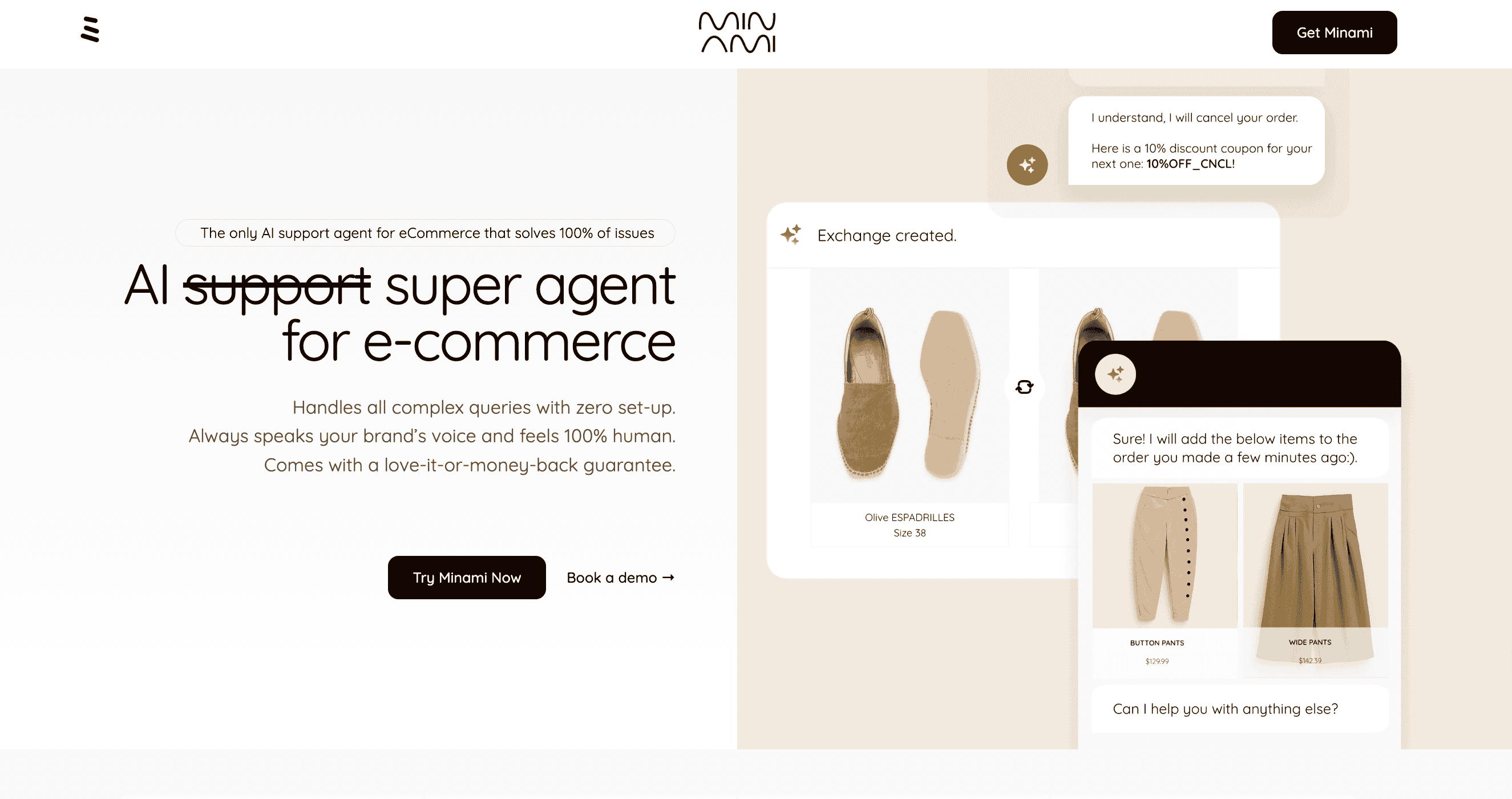
Minami is the only widget on this list built around one idea: the chat should finish the job. It sits on your storefront like any other chat bubble, but the AI behind it is connected to your store platform, your carriers and your returns flow, so it can carry out the request instead of describing how the customer could do it themselves.
On your storefront
A shopper asks where their order is. Minami reads the live tracking, explains the delay in plain language and, if your policy allows, offers to change the delivery address or reschedule. Another shopper wants to swap a size. Minami checks stock, creates the exchange and sends the label, all in the same conversation.
Before checkout it works as a shopping assistant. It recommends products based on what the shopper is browsing, answers sizing and compatibility questions, and pushes alternatives when something is out of stock.
What sets it apart
- Executes store actions: returns, exchanges, cancellations, address changes and order edits.
- Executes logistics actions: live tracking, delivery issues and carrier claims, using native shipping data.
- Recommends products from your catalog during the conversation.
- Hands off to a human with the full context when a case needs judgment.
- Works with Shopify, WooCommerce, Magento and other platforms, and in multiple languages.
Who it fits
Brands where most chats are about orders, deliveries and returns, and where every resolved chat is also a chance to keep the sale. Fashion, footwear and home goods stores see the biggest effect because exchanges are so common.
Pricing
Custom, based on your volume and the actions you enable.
2. Tidio
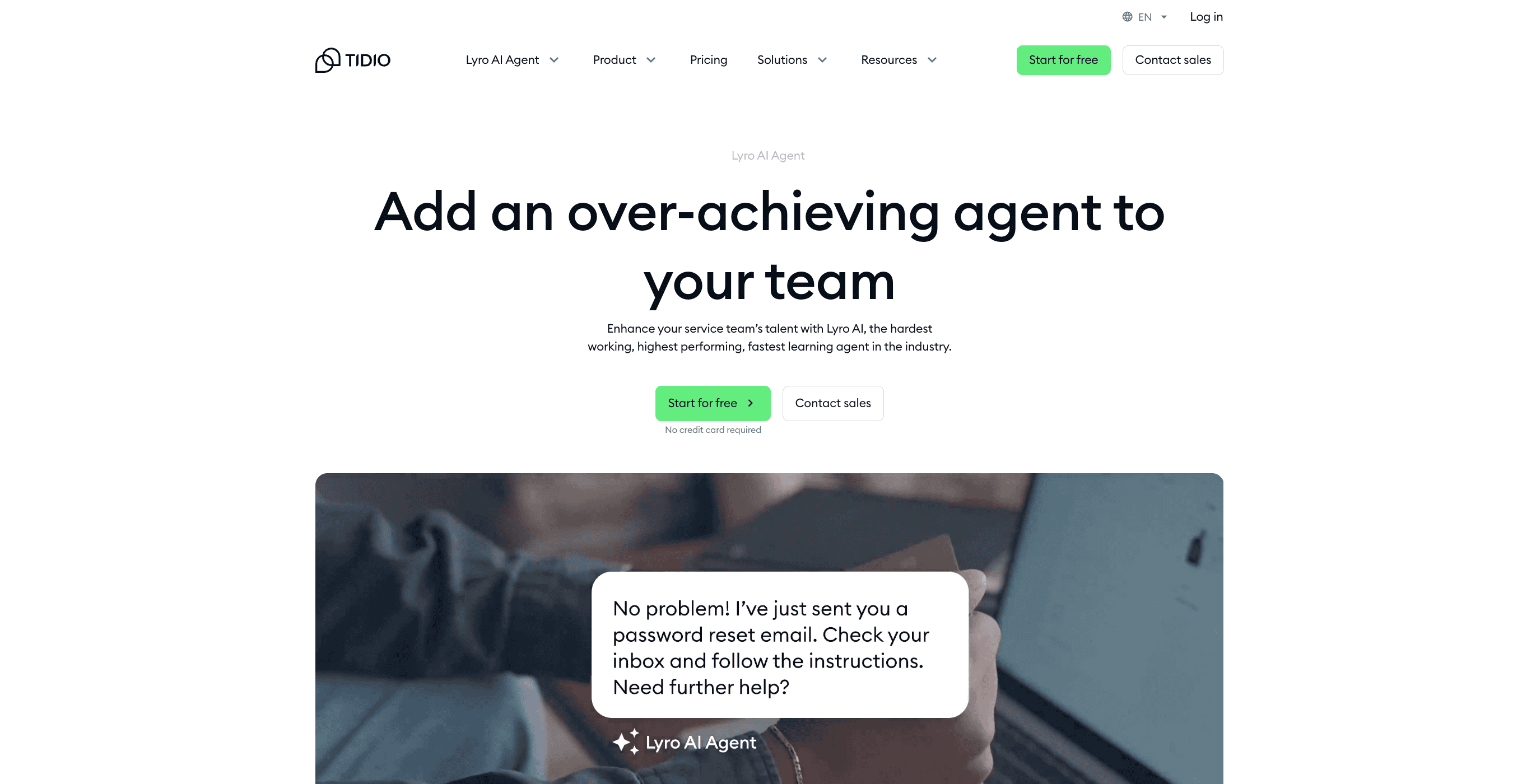
Tidio is often the first widget a small store installs, and for good reason. It takes minutes to set up, the free plan is genuinely usable, and the Lyro AI add-on can answer common questions from your FAQ and help center.
Day to day
Your team answers chats from one inbox that also pulls in email, Instagram and Messenger. Lyro covers the repeat questions about shipping times, policies and opening hours. Visual flows let you build simple automations such as discount pop-ups or cart reminders.
The catch
Lyro reads your content well, but it does not process returns or change orders by itself. Anything that needs an action still lands with a person, which is fine at low volume and slows down as you grow.
Pricing
- Free plan available, plus a 7-day trial.
- Starter: 24.17 USD/mo billed annually, with 100 billable conversations.
- Lyro AI: from 32.50 USD/mo.
- Plus: 300 USD/mo.
3. Gorgias

Gorgias is a helpdesk first and a chat widget second, and that is the point. When a chat arrives, your agent sees the customer’s Shopify orders right next to the conversation and can refund, cancel or duplicate an order without leaving the screen.
Where it shines
Teams that already live in Shopify like how little tab switching there is. Macros and rules handle tagging and routing, and the AI Agent can respond to common questions and run some order flows.
Where it stops
Most of the action power still sits with the human agent. Pricing is tied to ticket volume, and automated interactions are counted separately, so a busy season can push you up a tier. Our Gorgias AI Agent alternatives guide covers this in detail.
Pricing
| Plan | Monthly | Annual | Tickets/mo | Automated interactions |
|---|---|---|---|---|
| Starter | 40 USD | Not offered | 50 | 30 |
| Basic | 90 USD | 77 USD | 300 | 30 |
| Pro | 550 USD | 471 USD | 2,000 | 190 |
| Advanced | 1,430 USD | 1,227 USD | 5,000 | 530 |
Extra automated interactions cost 1.50 USD each.
4. Intercom
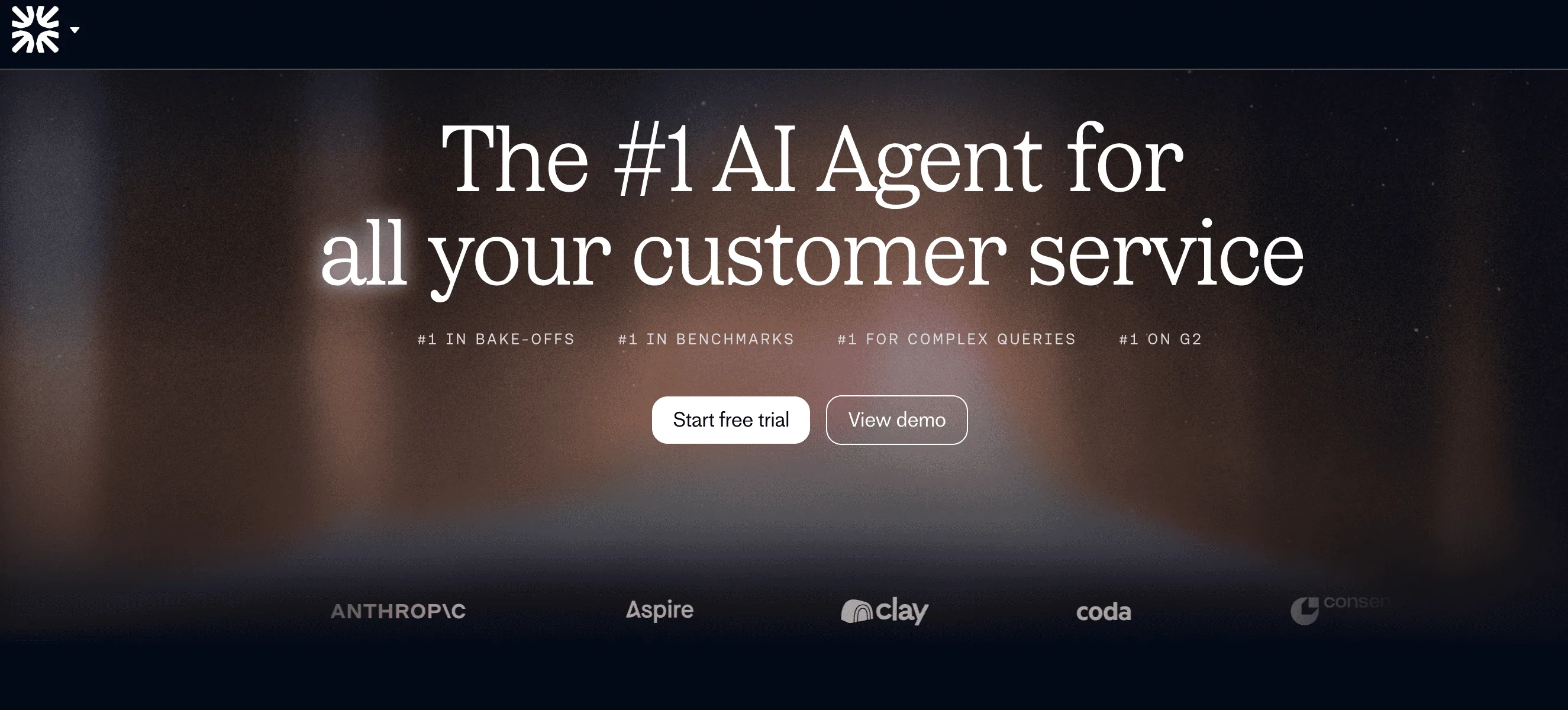
Intercom has the most refined messenger on this list. The widget looks good on any storefront, supports rich messages and product tours, and Fin, its AI agent, gives strong answers from your knowledge base.
How stores use it
Fin handles a large share of policy and product questions on its own. With custom actions and connectors, your team can let Fin look up orders or trigger simple workflows, though someone has to design and maintain those.
Things to weigh
Intercom was built for software companies, and it shows in the setup. Ecommerce actions are possible, but they are a project, not a toggle. Per-seat pricing plus per-outcome AI billing also needs a close look. See our Intercom alternatives for eCommerce for options closer to retail.
Pricing
- Essential: 29 USD/seat/mo (19 USD for new customers on annual billing).
- Advanced: 85 USD/seat/mo.
- Expert: 132 USD/seat/mo.
- Fin AI agent: 0.99 USD per outcome.
- Live chat is unlimited on all plans.
5. LiveChat
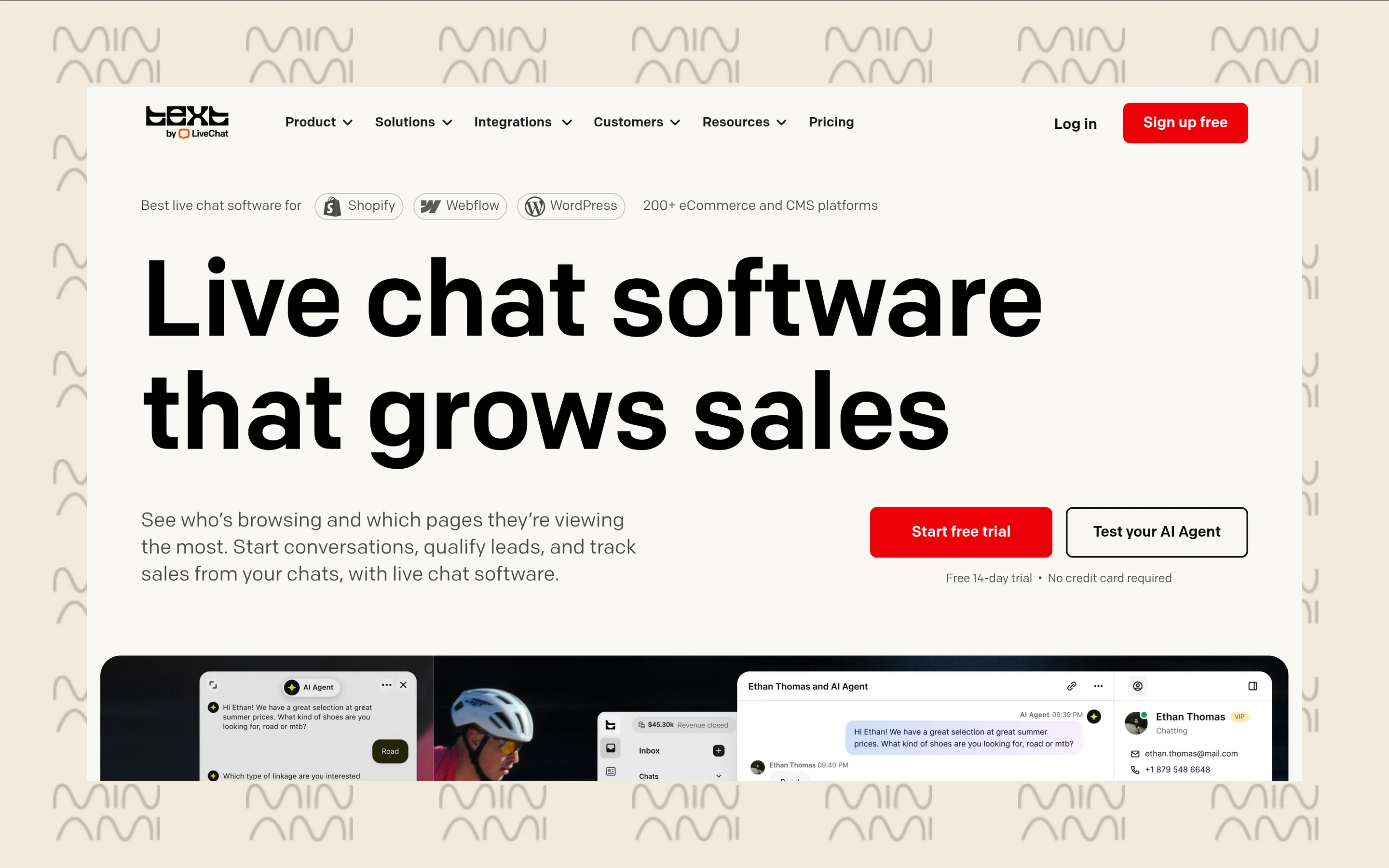
LiveChat, now sold under its Text plans for new accounts, does one thing very well: fast human chat. Agents get a clean, responsive app, canned responses, and a live view of who is on the site and which pages they are looking at.
A good fit when
Your team wants to talk to shoppers in real time and sell. The live Shopify catalog lets agents drop product cards into the chat, and visitor tracking helps them step in on high-intent pages.
Less ideal when
You want the widget to handle post-purchase work on its own. The included AI resolutions are a small allowance, and extra ones are sold in packs, so heavy automation adds up.
Pricing
- Essential: 19 USD/user/mo billed annually (25 USD monthly), 10 AI resolutions included.
- Growth: 79 USD/user/mo billed annually (99 USD monthly), 200 AI resolutions included.
- Extra AI resolutions: 49.50 USD per 50.
- Enterprise: custom.
6. Zendesk
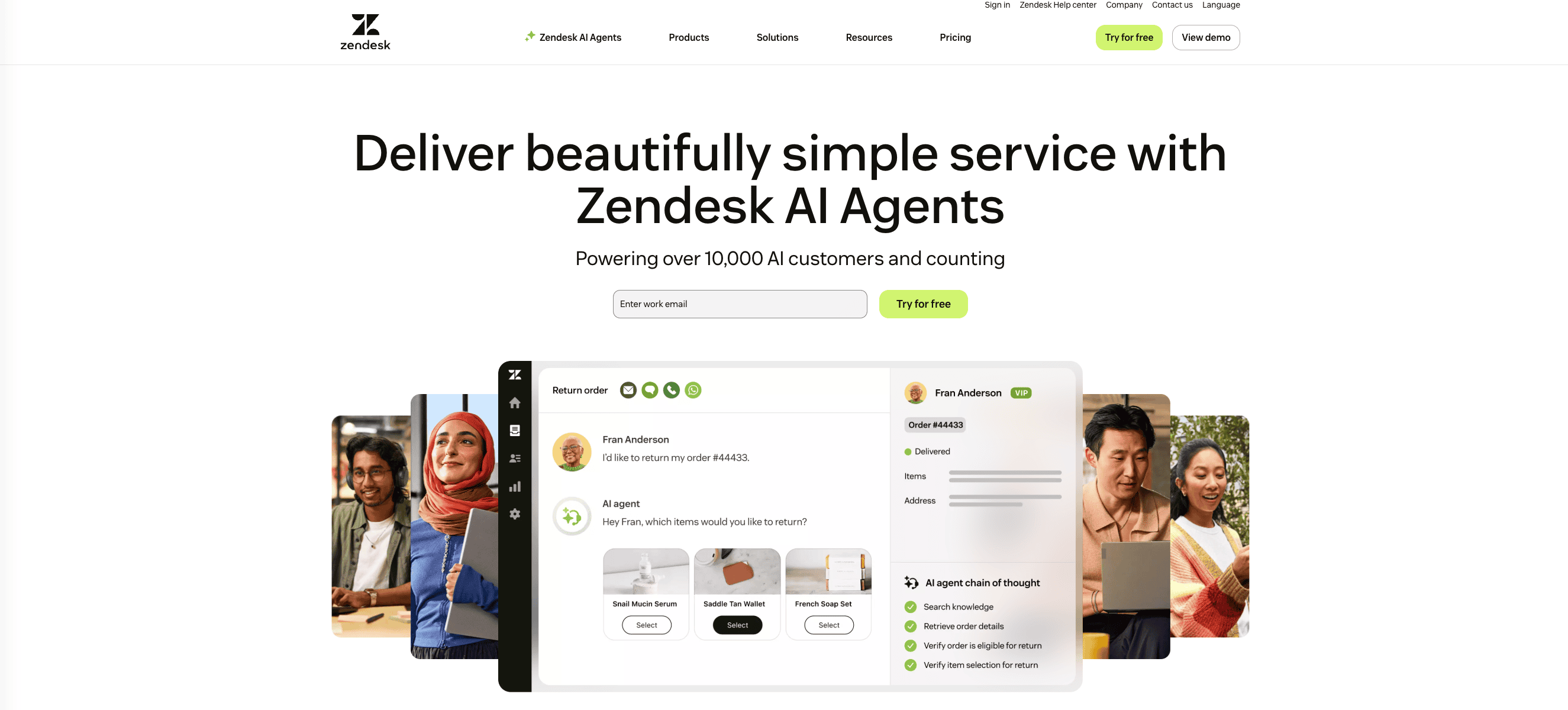
Zendesk is where many stores end up once support grows into a department. Live chat lives inside a full suite with ticketing, voice, a help center and reporting, which is powerful if you need all of it and heavy if you do not.
In practice
The messaging widget works on web and mobile, and AI agents can answer and route conversations. Connecting order data and actions depends on marketplace apps or custom integrations.
Keep in mind
The cheap Support Team plan does not include a customizable live chat widget, so the real entry point is Suite Team. AI resolutions beyond the small included amount are billed per resolution. If you are weighing a move, our list of Zendesk AI alternatives for eCommerce may help.
Pricing
- Suite Team: 55 USD/agent/mo billed annually (69 USD monthly).
- Suite Professional: 115 USD/agent/mo billed annually (149 USD monthly).
- Automated resolutions: 5 per agent/mo included, then 1.50 USD committed or 2.00 USD pay as you go.
7. Crisp
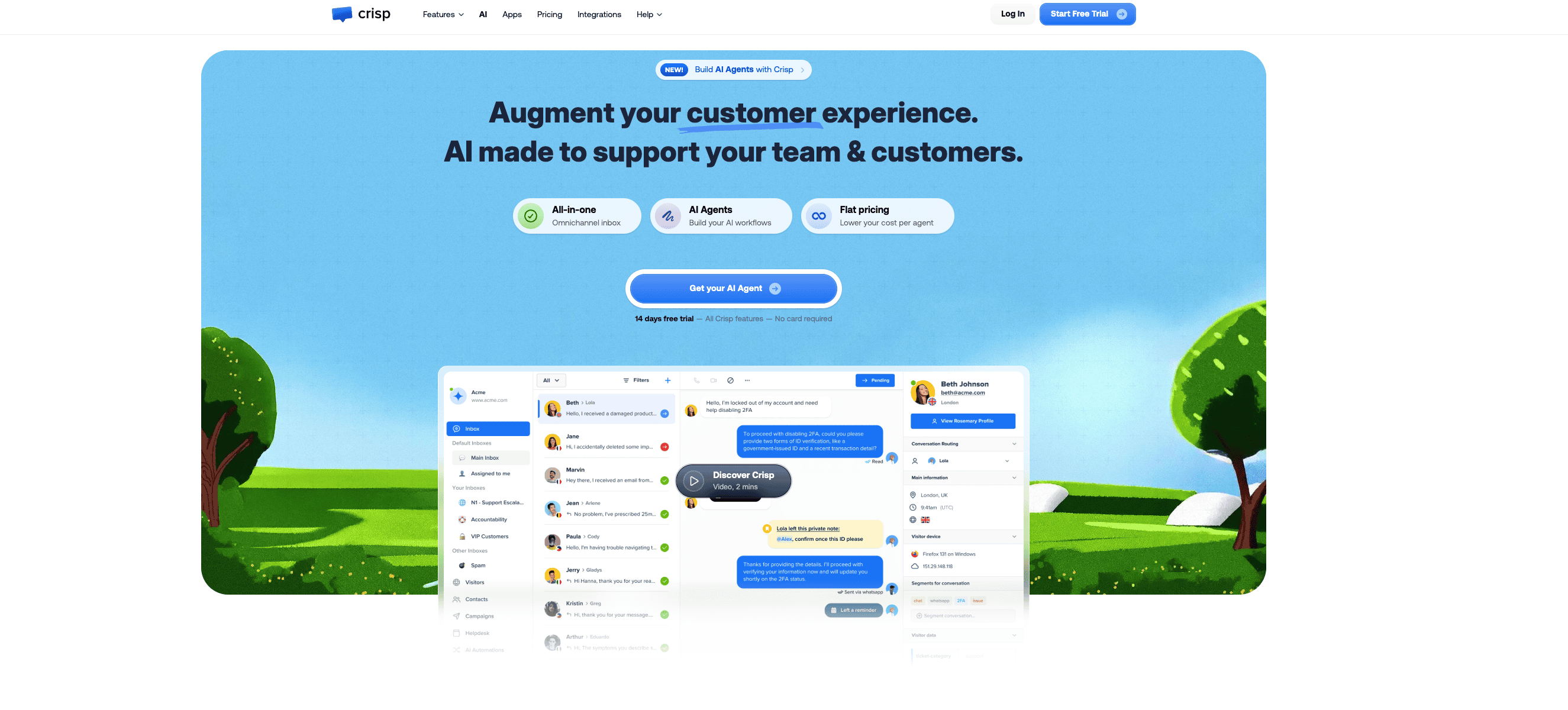
Crisp is the friendly, budget-conscious option. You pay a flat price per workspace instead of per seat, which makes it attractive for small teams that want several people in the inbox without the bill growing every time someone joins.
Why teams pick it
The widget is light, easy to brand and comes with a shared inbox, a knowledge base and basic chatbot flows. AI credits on paid plans cover a modest number of automated conversations.
The limits
Crisp answers well, but it does not take actions on orders or shipments. Growing stores usually outgrow it once post-purchase requests dominate the queue.
Pricing
| Plan | Price/mo | Seats | AI credits included |
|---|---|---|---|
| Free | 0 USD | 2 | None |
| Mini | 45 USD | 4 | 5 USD (about 90 automated conversations) |
| Essentials | 95 USD | 10 | 25 USD (about 450) |
| Plus | 295 USD | 20 and more | 75 USD (about 1,350) |
Extra agents on Plus cost 10 USD each.
Live chat widget pricing compared
| Widget | Entry price | Billing model | AI cost on top |
|---|---|---|---|
| Minami | Custom | Based on volume and actions | Included in the plan |
| Tidio | Free, then 24.17 USD/mo | Per conversation volume | Lyro from 32.50 USD/mo |
| Gorgias | 40 USD/mo | Per ticket volume | 1.50 USD per extra automated interaction |
| Intercom | 29 USD/seat/mo | Per seat | 0.99 USD per Fin outcome |
| LiveChat | 19 USD/user/mo | Per user | 49.50 USD per 50 extra AI resolutions |
| Zendesk | 55 USD/agent/mo | Per agent | 1.50 to 2.00 USD per automated resolution |
| Crisp | Free, then 45 USD/mo | Flat per workspace | Credits included, top-ups extra |
A quick way to compare: take last month’s chat volume, estimate the share you want automated, and multiply by each tool’s AI price. Per-resolution billing looks cheap on the pricing page and expensive in November.
Choosing the right one for your store
If you are just starting and mostly answer questions yourself, Tidio or Crisp will do the job for little money. If you have a team that sells over chat in real time, LiveChat is a pleasure to use. If you already run a large support operation, Gorgias, Intercom or Zendesk fit into what you have.
But if most of your chats are about orders, deliveries and returns, a widget that only talks will keep sending work back to your team. That is the gap Minami fills: the same chat bubble, with an AI that can actually change the order, fix the delivery and recommend the next product. If Shopify is your platform, you can also compare it against the best AI agents for Shopify.
Minami AI agent
Automate 100% of your eCommerce support
Minami doesn't just chat. It takes the action inside your store and sells while it solves.
- Order edits and cancellations
- Address changes and delivery incidents
- Returns, exchanges and product recommendations