On this page (4)
You run support on Gorgias. Shopify is connected. Tracking is sorted. Your reviews and SMS apps already push tickets in. And your agents still open four tabs on a bad day.
That is because the famous integrations cover the famous tickets. The ones that eat your afternoon are the weird ones: the refund request from a burner email, the chargeback you could have won, the “is this the right size?” chat, the pre-order customer asking when they will be charged again.
Here are 10 lesser-known Gorgias integrations that handle exactly those, what each one puts in your ticket view, and how to connect the apps that are not on the list.
The best Gorgias integrations at a glance
| App | What it does in Gorgias | Setup | Price from |
|---|---|---|---|
| Securify | Fraud score in the ticket | App Store | Free |
| Chargeflow | Tickets as chargeback evidence | App Store | Free / 25% won |
| ShipInsure | File shipping claims | App Store | Free |
| Rise.ai | One-click store credit | App Store | $19.99/mo |
| Simplesat | CSAT and NPS in macros | Macros | $119/mo |
| ShipMonk | 3PL tracking data | App Store | Quote |
| PreProduct | Pre-order status | From PreProduct | Free + 5% |
| Clean Size Charts | Size charts as macros | From the app | Free |
| TikTok Shop | TikTok chats as tickets | App Store | Free |
| HTTP + REST API | Connect any app | Settings | Free |
The 10 best Gorgias integrations for 2027
1. Securify
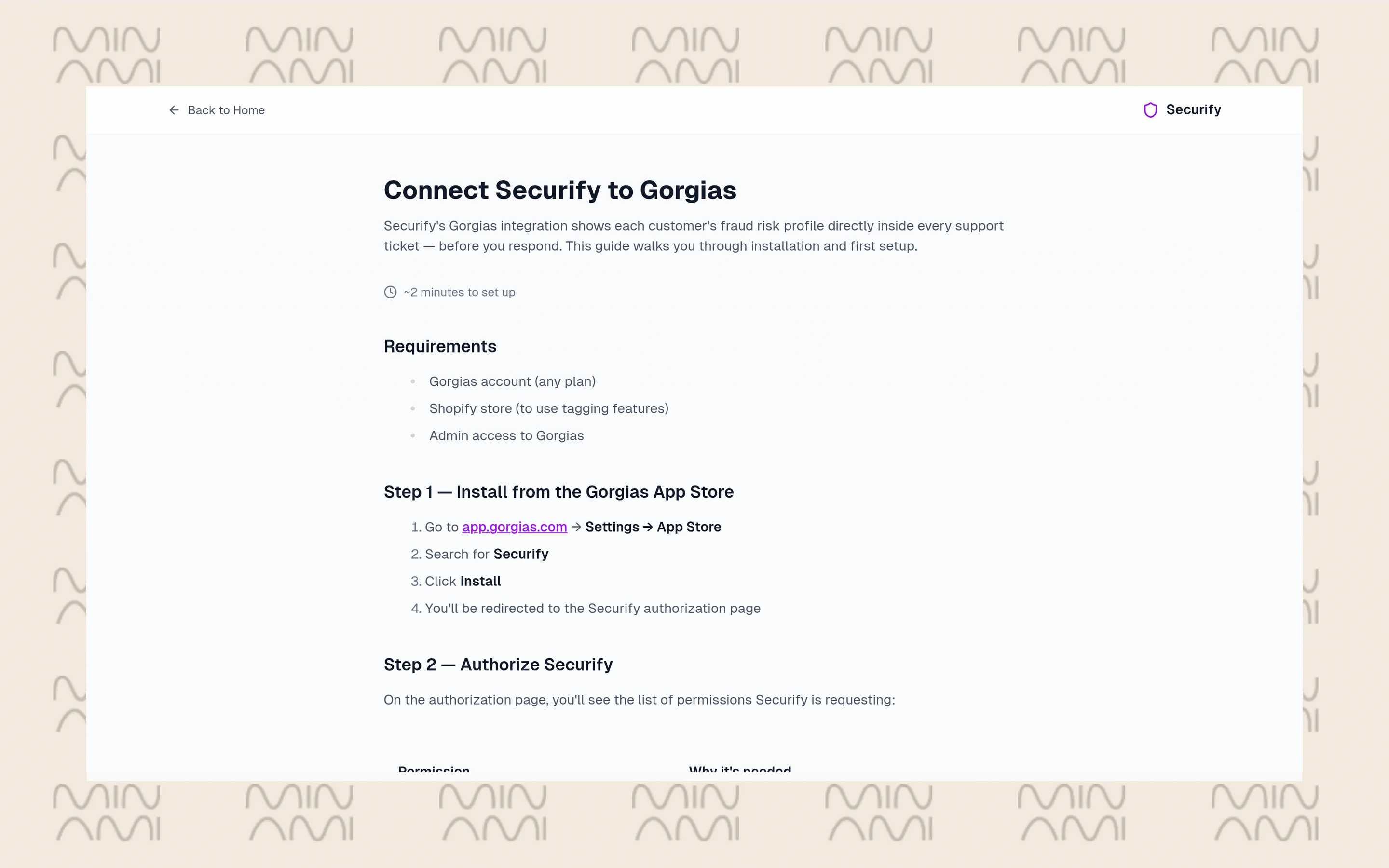
Some refund requests smell wrong. Securify tells your agent before they reply.
It checks the customer’s email and shows a fraud risk profile in the ticket sidebar: a risk tier from Low to Critical, a fraud score from 0 to 100, and flags for disposable emails and VPN or proxy use. If Shopify is connected, the widget shows whether the customer is already tagged and, for tagged customers, how many orders are still open. Agents can apply a “High Risk Customer” tag to the Shopify profile in one click, or hit Scan Again to refresh the check. It can also tag tickets automatically by risk level, so you can route the risky ones to a senior agent with a rule.
Nothing changes in Shopify unless an agent clicks the button, which keeps the final call with a human.
How to connect:
- Go to Settings > App Store > All Apps and open Securify
- Click Connect and authorize the requested permissions
- Securify creates the HTTP integration and sidebar widget for you
- The widget appears on tickets that have a customer email
Best for: brands that see refund abuse, “item never arrived” claims from repeat offenders or a lot of throwaway emails.
2. Chargeflow
Your team already has the proof. It is sitting in the ticket where the customer said “got it, thanks.”
Chargeflow automates chargeback disputes across payment processors. Once Gorgias is connected, it waits for a new dispute, looks for a Gorgias ticket that matches the buyer’s email and pulls that conversation into the evidence it submits. Only text is captured, so photos and screenshots in tickets still have to be uploaded by hand. There is no sidebar widget; the value shows up in your win rate, not your ticket view.
How to connect:
- Go to Settings > App Store > All Apps, open Chargeflow and click Connect App
- Log in to Chargeflow and open Integrations > Customer Communication > Gorgias
- Enter your Gorgias subdomain and authorize
- No HTTP integration is created in Gorgias
Best for: brands losing disputes they should win, especially “item not received” and “not as described” claims where your agents already talked to the buyer.
3. ShipInsure
Lost, stolen and damaged parcels are miserable tickets. ShipInsure turns them into a form your agent fills in for the customer.
ShipInsure sells shipping protection at checkout, covering parcels marked delivered but not received, damaged items, stolen items and lost shipments. The Gorgias widget shows the customer’s orders and claim status, and agents can submit a claim on the customer’s behalf with one click. No logging into another portal, no asking the customer to fill in a form you could have filled in yourself.
How to connect:
- Go to Settings > App Store > All Apps and search for ShipInsure
- Click Connect App and authorize
- Manage it later under Settings > App Store > HTTP Integration
Best for: brands that already offer, or want to offer, shipping protection and want claims handled inside the ticket.
4. Rise.ai

Sometimes the right answer is “sorry, here is $15 to spend with us.” Rise.ai makes that one click.
The Rise widget shows the customer’s wallet: store credit and gift card balances, codes and expiration dates. Agents issue store credit with customizable buttons, and a refund module linked to orders lets them offer credit when a refund comes up. The wallet updates in real time from the ticket. That keeps the money in your store and gives the customer a reason to come back.
How to connect:
- Install Rise.ai in Shopify first
- In Gorgias, go to Settings > App Store > All Apps and open Rise.ai
- Click Connect App, which sends you to Shopify, and authorize
- Gorgias creates an HTTP integration; start the connection from Gorgias, not from the Rise app
Best for: teams that compensate customers often and want goodwill gestures to turn into repeat orders, not refunds.
5. Simplesat
You cannot fix what you do not measure. Simplesat measures it without another email.
It embeds one-click CSAT, CES, 5-star, NPS or custom surveys straight into your Gorgias macros and email notifications. When a customer rates you, Simplesat can tag the ticket with sentiment and add the feedback as an internal note, so a bad score is visible right where the conversation happened. Contact profiles sync daily with fresh feedback. Agents being rated do not need a Simplesat login.
How to connect:
- In Simplesat, create a survey, then choose Publish > Integrate with another tool > Gorgias
- Generate the embed code with the Link option and copy it
- In Gorgias, go to Settings > Macros, create a macro, write the survey question and insert the link
- Send the macro on a test ticket and click a rating to check it works
Best for: CX managers who need a CSAT or NPS number they can report on, by agent, without building it themselves.
6. ShipMonk
If ShipMonk packs your orders, your agents should not be emailing the warehouse to ask what happened.
The integration pulls fulfillment data and tracking information into the customer’s sidebar, with a deep link to the order in ShipMonk. The widget fills in whenever a customer with ShipMonk data opens a new or existing ticket. It is a read-and-jump integration: your agent sees where the order is in the warehouse and opens it in ShipMonk if they need more.
How to connect:
- Log in to both Gorgias and ShipMonk
- Install ShipMonk from the Gorgias App Store
- Go to Settings > App Store > HTTP Integration and check that ShipMonk appears in the list
Best for: brands fulfilled by ShipMonk that get a lot of “has my order shipped yet?” questions. Using another 3PL? Check its App Store listing, or build an HTTP integration to its API.
7. PreProduct
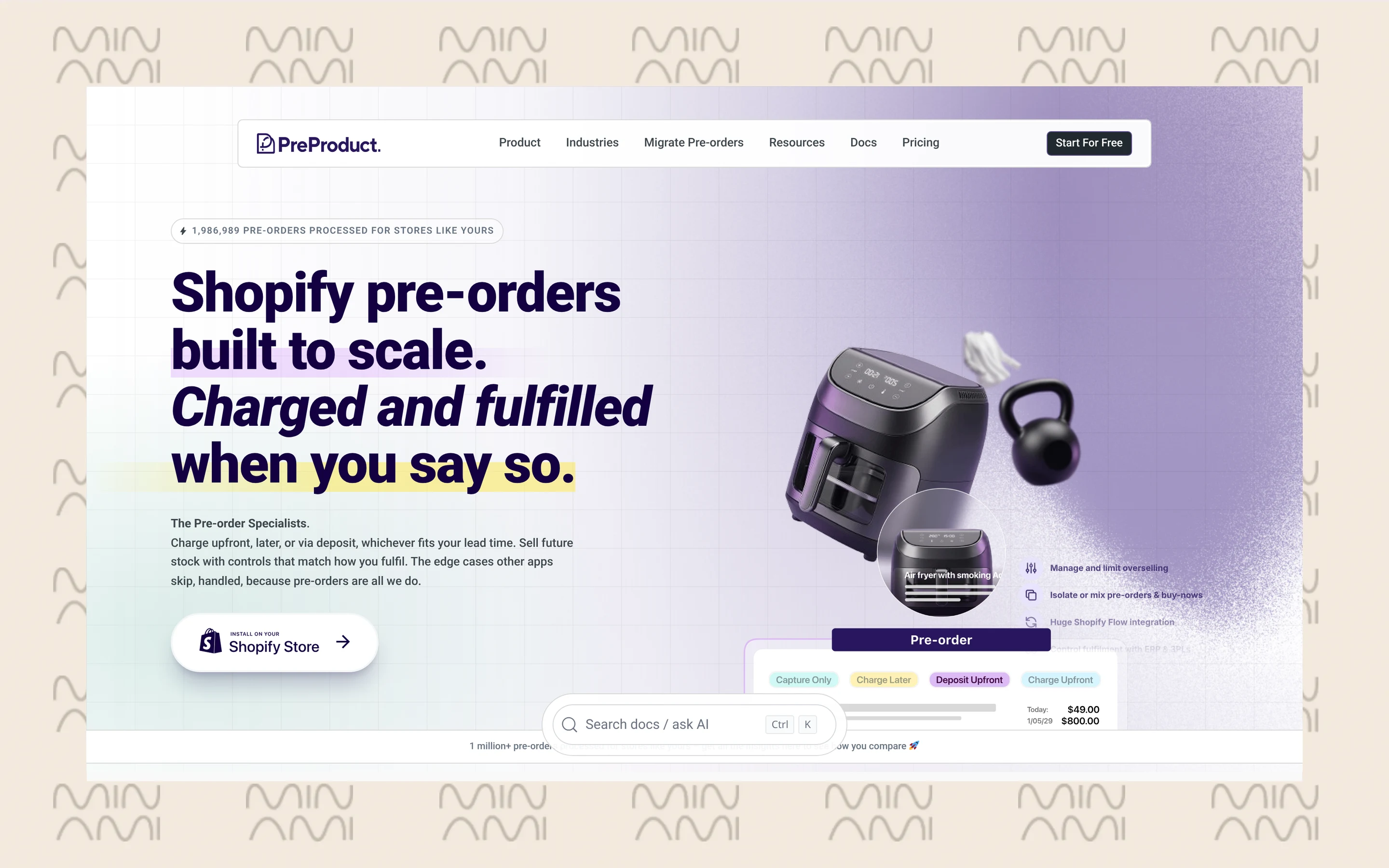
Pre-order customers ask two questions: when does it ship, and how much have I paid? PreProduct answers both before your agent scrolls.
The Pre-orders widget appears in tickets and customer profiles. It shows recent orders containing pre-orders, how much the customer has paid, how much is still outstanding, the estimated shipping date, the shipping statement, whether a pre-order was cancelled, the product and variant, and a link to the customer’s self-serve pre-order portal. Deposits and partial payments stop being a mystery.
How to connect:
- Install PreProduct on your Shopify or BigCommerce store
- In PreProduct, open Integrations and find the Gorgias card
- Enter your Gorgias subdomain and approve access in Gorgias
- Refresh a ticket once so Gorgias fetches the latest pre-order data
Best for: brands that run launches, drops or deposits and get flooded with “when will mine ship?” tickets.
8. Clean Size Charts
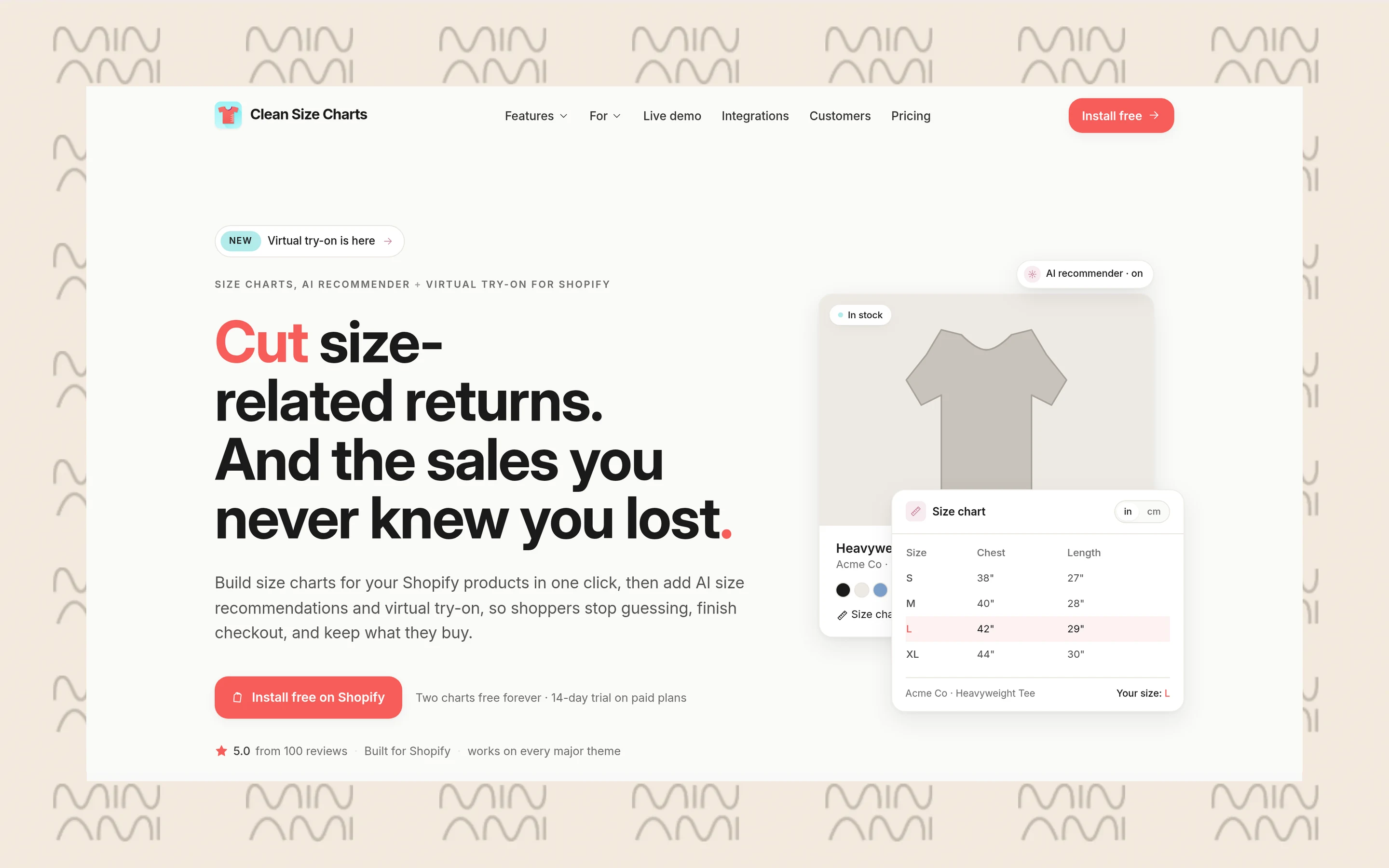
“Which size should I get?” is a sales question wearing a support badge. Answer it fast and you save a sale and a return.
Clean Size Charts turns every published size chart in your store into a Gorgias macro. Agents search the macro composer by product or chart name and drop the right chart into the reply. Edit a chart in the app and the macro updates on its own; unpublish it and the macro disappears. You choose image or text table, inches, centimeters or both, and translated charts sync as their own macros so you can answer in the customer’s language.
How to connect:
- In your Shopify admin, open Clean Size Charts > Integrations > Gorgias
- Click Connect, enter your Gorgias subdomain and authorize
- Wait a few minutes for the first sync; one macro is created per published chart
Best for: fashion and apparel brands where sizing questions are a steady slice of chat.
9. TikTok Shop

TikTok Shop customers expect fast answers, and the Seller Center inbox is one more place to forget to check.
With this integration, TikTok Shop chats create tickets in Gorgias, and the sidebar shows the shopper’s order details, purchase history, and return and refund requests. From the widget, agents can search for an order, refresh it, and send order and logistics cards that land in the TikTok Shop chat. You can connect several shops and use the TikTok Shop channel in rules. Read the limits first: it launched in the US and in English only, DMs and comments are not included, and you cannot start outbound conversations from Gorgias.
How to connect:
- Go to Settings > App Store > All Apps and open TikTok Shop
- Click Authorize and approve the app; Gorgias creates an HTTP integration
- Complete the installation in the TikTok Shop App Store
- Make sure your agents are set to accept chats in Seller Center
Best for: US brands selling on TikTok Shop that want that channel in the same queue as email and chat.
10. HTTP integrations and the REST API
No app for your tool? Build the connection yourself. It is less scary than it sounds.
An HTTP integration calls any public API when a ticket event fires: ticket created, ticket updated, ticket message created and a few more. Use GET to fetch data and show it in a custom sidebar widget, or POST, PUT and DELETE to push data out. Template variables like the customer’s email pass ticket data into the request, and fetched data can be used in macros. Several apps on this list, including Securify, ShipInsure and Rise.ai, run on an HTTP integration under the hood.
How to connect:
- Go to Settings > Account > HTTP integration > Manage > Add HTTP integration
- Add a name, the endpoint URL and the HTTP method
- Add authentication with a header API key or OAuth2
- Pick your triggers and click Add integration
- Drag the returned data into the sidebar from the ticket view
Best for: teams with in-house tools, a 3PL portal or a niche app with no App Store listing.
How to connect Gorgias integrations
Install from the App Store
Most Gorgias integrations live in the App Store: Settings > Apps > App Store. Filter by category, such as ecommerce, shipping, marketing, loyalty and analytics, or pick Actions to see apps with pre-built AI Agent actions. Open the app, click Connect or Add account, sign in and authorize. Each listing says whether it is built by Gorgias or by a partner, which tells you who to call when it breaks. Most apps need their own paid account, separate from Gorgias.
Connect Shopify the right way
Shopify is not on the list because it is not optional. Connect it before anything else: Settings > Workspace > Store > Add new store > Shopify, then install the Gorgias app from the Shopify App Store and approve the permissions. Rise.ai, PreProduct, Securify’s Shopify tagging and order tracking in chat all lean on it. Run several stores? Connect each one. Then add Shopify actions to your top macros; our Gorgias setup best practices walk through rules, tags and macros.
Use HTTP integrations and the REST API
For apps without a listing, use an HTTP integration (above) or the REST API. Your API credentials sit in Settings > Account > REST API: base URL, username and API key. Gorgias uses HTTP Basic Authentication, and both HTTP integrations and the REST API are available on all Helpdesk plans.
Watch the limits. API key integrations can make 40 requests per 20-second window and OAuth2 apps 80; go over and you get a 429 error with a Retry-After header. HTTP integrations time out after 5 seconds, retry up to 3 times in some failure cases, and are switched off after 500 consecutive failures, so check the Events tab when data stops showing up.
Set up order tracking in Gorgias live chat
Order tracking is one job you do not need a separate app for. Order Management lets shoppers track orders in Gorgias Chat without waiting for an agent. They log in with a 6-digit code by email or SMS and see order status, tracking number and a timeline of order events synced from Shopify. They can also submit cancel, return and order issue requests, which your team still approves.
It needs a connected Shopify store, an active Chat integration and an AI Agent subscription, and it does not work on BigCommerce or Magento 2. Gorgias says it can automate up to 30% of live chat volume. Check the AI Agent cost before you switch it on; our breakdown of Gorgias AI Agent pricing has the numbers. Comparing tracking tools instead? Start with our guide to post-purchase tracking tools.
How many integrations does Gorgias have?
There is no single official number. Gorgias marketing pages say 100+, 150+ and 300+ in different places, and the help center does not publish a count. Treat the App Store in your own account as the official integrations list, and the help center articles for each app as the official integrations documentation.
Switching to Minami: why it does more
Integrations show your agents more. They do not do the work for them. Your team still reads the sidebar, chases the carrier, edits the order and types the reply. Minami AI does that work itself, end to end.
- Talks directly to carriers to change addresses, reroute parcels and resolve delivery incidents
- Executes every change in the store and CMS, end to end
- Edits and cancels orders after checkout
- Turns returns into exchanges and recommends the right product
- Sends proactive WhatsApp messages to customers before they ask
That is the difference between a sidebar and a teammate. The tickets your integrations make faster are the tickets Minami removes from the queue. Your agents keep the conversations that need a person, and the rest closes on its own. If you are weighing the move, compare the options in our Gorgias AI Agent alternatives and see how proactive WhatsApp updates cut tracking questions before they start.
Minami AI agent
Automate 100% of your eCommerce support
Minami doesn't just chat. It takes the action inside your store and sells while it solves.
- Order edits and cancellations
- Address changes and delivery incidents
- Returns, exchanges and product recommendations